Convert Invoices to PDF Automatically in Node.js
|

Convert Invoices to PDF Automatically in Node.js

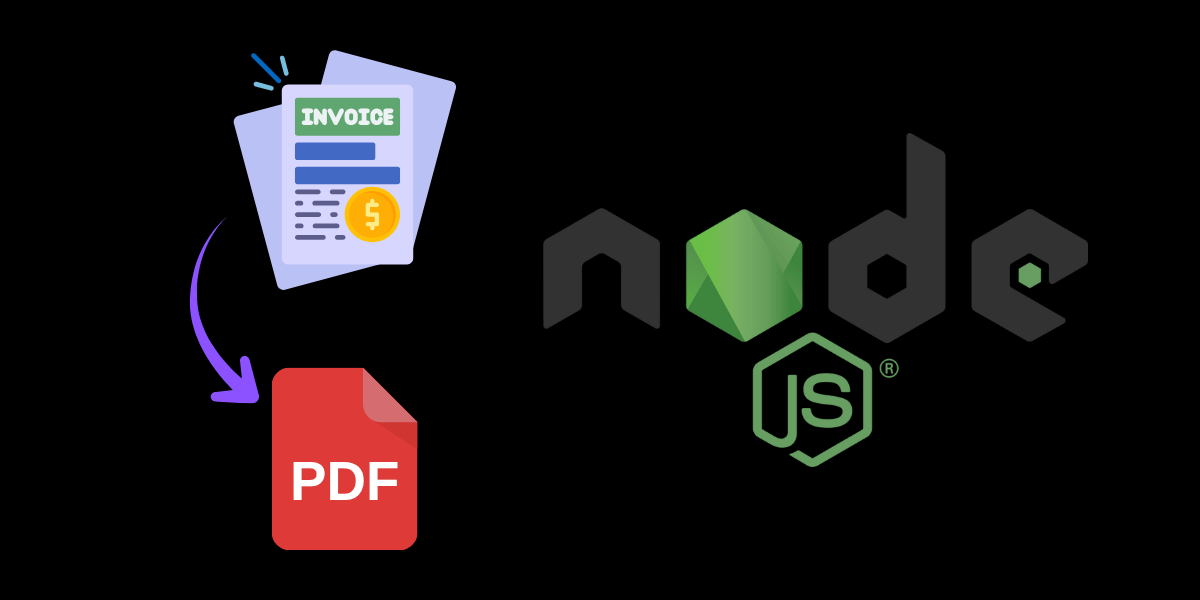
Generating PDF invoices in a Node.js application is a common requirement for SaaS platforms, e-commerce systems, and internal billing tools. But maintaining your own headless browser, handling CSS inconsistencies, and scaling batch exports can quickly become messy and expensive. This guide shows how to automate invoice PDF generation in Node.js using the PageSnap.co API —…

Generate PDFs from React Apps Using an API
|

Generate PDFs from React Apps Using an API

If you’re building a React application and want to allow users to easily export reports, invoices, dashboards or any page content as a PDF — you’ve come to the right place. This blog shows how to integrate the PageSnap.co API into your React stack, and why this is beneficial. Why use an API for PDF…

How to export HTML content to PDF in Laravel
|

How to export HTML content to PDF in Laravel

If you’ve ever needed to convert HTML content or a full web page into a PDF from your Laravel application, you’re in luck. In this post we’ll walk through how to integrate PageSnap.co’s API to generate PDFs from HTML (or URLs) in bulk, and how to implement it cleanly in a Laravel app. Why and…

New Signed URL PDF Delivery for More Reliable, Scalable Conversions

New Signed URL PDF Delivery for More Reliable, Scalable Conversions

We’re excited to announce a significant improvement to PageSnap: direct PDF conversions now return a secure, expiring signed URL instead of transmitting the full PDF file in the HTTP response. What Was the Previous Behavior? Previously, PageSnap would send the entire PDF as a binary buffer, which worked well for smaller files but posed challenges…

New Feature Launch: Generate PDFs with Templates + JSON Data on PageSnap.co

New Feature Launch: Generate PDFs with Templates + JSON Data on PageSnap.co

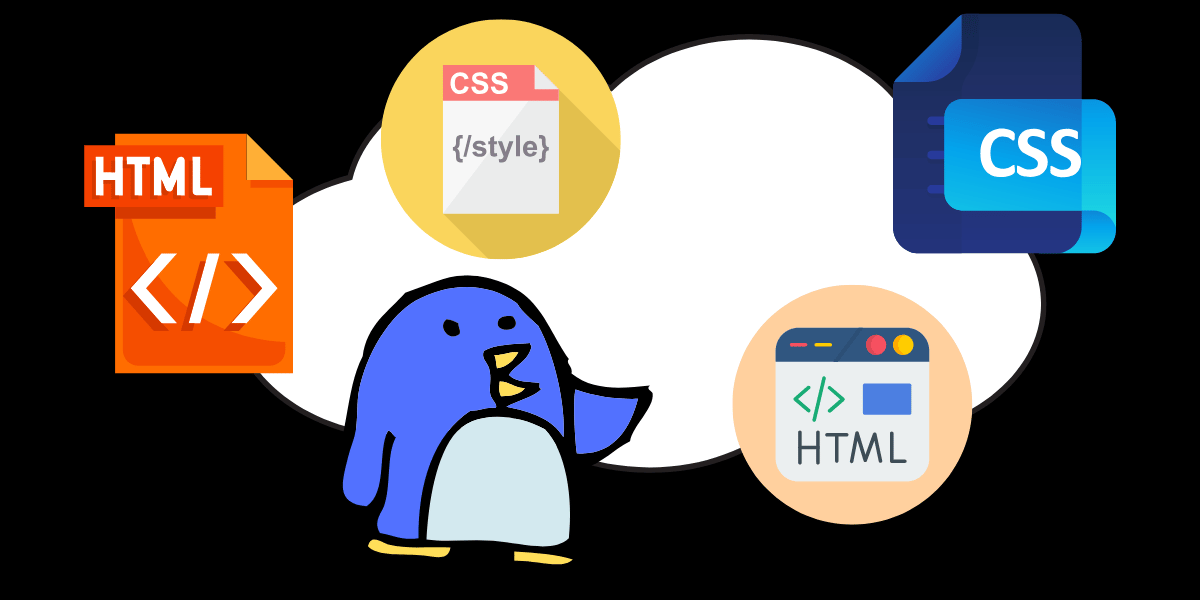
We’re thrilled to announce one of our most requested features is now live — HTML Template + JSON Data support is here! 🎉 Whether you’re generating invoices, reports, tickets, or dynamic documents, PageSnap.co now makes it easier than ever to create beautiful, styled PDFs using structured data. 🧩 What’s New? With our latest update, you…

Why PageSnap’s Credit System Saves You More Than You Think

Why PageSnap’s Credit System Saves You More Than You Think

If you’ve ever used a SaaS tool that runs on a subscription + credit model, you probably know the pain of watching unused credits expire at the end of the month. Whether you’re a startup testing the waters or a developer with unpredictable usage, losing paid-for credits feels like money down the drain. At PageSnap,…

Automate Website Snapshots for Compliance: Secure, Accurate, and Effortless Documentation

Automate Website Snapshots for Compliance: Secure, Accurate, and Effortless Documentation

Introduction In today’s digital world, businesses and professionals across industries must maintain accurate and verifiable web records to comply with regulations and safeguard their operations. Whether it’s for legal purposes, financial audits, or internal documentation, capturing web pages as reliable evidence is crucial. However, manual website archiving is time-consuming, prone to errors, and difficult to…

PageSnap.co Update: Single Request Now Supports Large PDFs!

PageSnap.co Update: Single Request Now Supports Large PDFs!

We’re excited to announce an important update to PageSnap.co! Users who rely on our Single Request API to convert web pages into PDFs can now successfully generate large PDFs without encountering errors. What’s New? Previously, when users attempted to convert extremely long pages using Single Request, our API could not handle the request and would…

New PageSnap.co Update: Disable Images for Faster & Lighter PDFs

New PageSnap.co Update: Disable Images for Faster & Lighter PDFs

We’re excited to introduce a new feature to PageSnap.co—the disable_images option! This update gives you more control over your PDF generation by allowing you to disable image loading before printing. Whether you’re looking for faster processing, smaller file sizes, or text-focused PDFs, this new setting will enhance your workflow. Why Disable Images? By default, PageSnap.co…